Appearance
How Can I Change My Password?
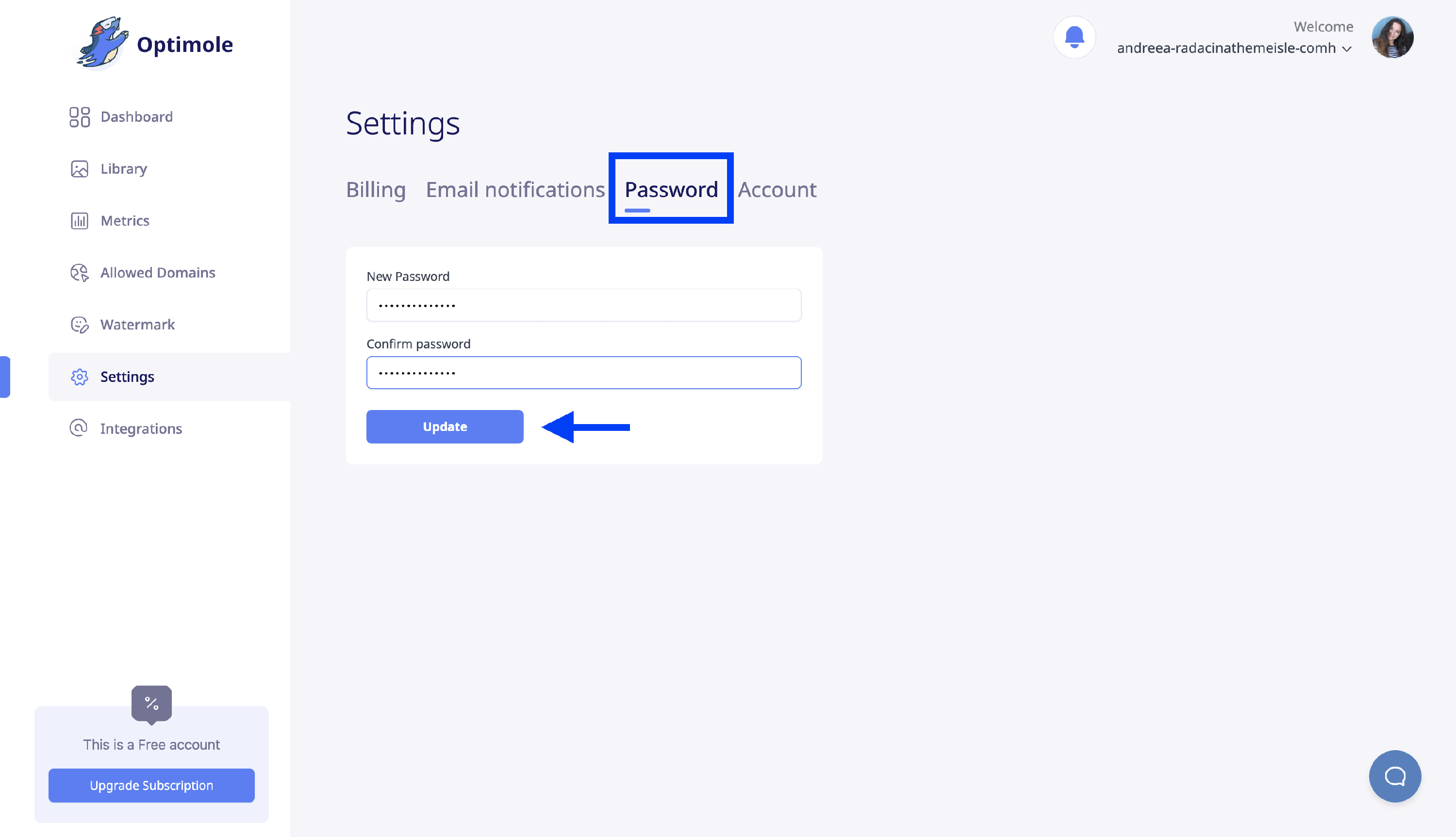
You can change your Optimole account password at any time from the Settings area of the Optimole Dashboard. Here's how.
1. Log in to the Optimole Dashboard.
2. Navigate to Settings > Password.
3. Insert the new password, and confirm it.
4. Click on Update.