
Appearance
Serve CSS & JS through Optimole
When the Serve CSS & JS through Optimole feature is enabled, Optimole processes your website's CSS and JavaScript files, optimizes any images referenced inside them, and delivers the files through its Content Delivery Network (CDN). As part of this processing, CSS files are also minified; JavaScript files are served through the CDN without being minified by default. Delivering these assets from the CDN reduces the load on your server and can improve loading times for your stylesheets and scripts.
In this article
Enable the Feature
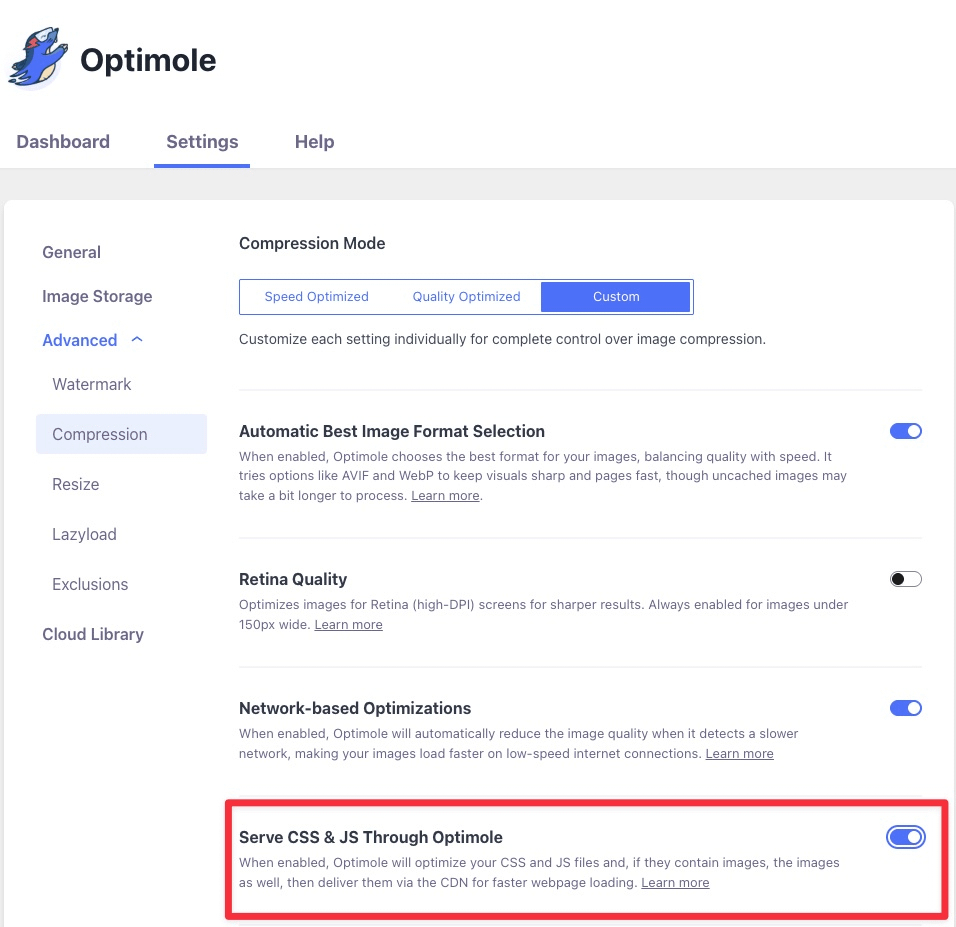
To enable this feature, navigate to WP Dashboard > Optimole.
1. Open the Settings tab.
2. Expand the Advanced accordion and open the Compression panel.
3. Set the compression mode to Custom. The Serve CSS & JS through Optimole option is only available in Custom mode.
4. Use the toggle to enable Serve CSS & JS through Optimole feature.
User Site and Image Impact
Optimole's optimization process is meticulous, ensuring not just CSS and JS files but also embedded images experience significant enhancements. These embedded images are carefully optimized to preserve their original quality while enabling faster loading times.
When a visitor accesses your website, these optimized embedded images are seamlessly delivered via the CDN. This means your visuals remain clear yet load rapidly, enhancing user experience without compromising the quality of your content.
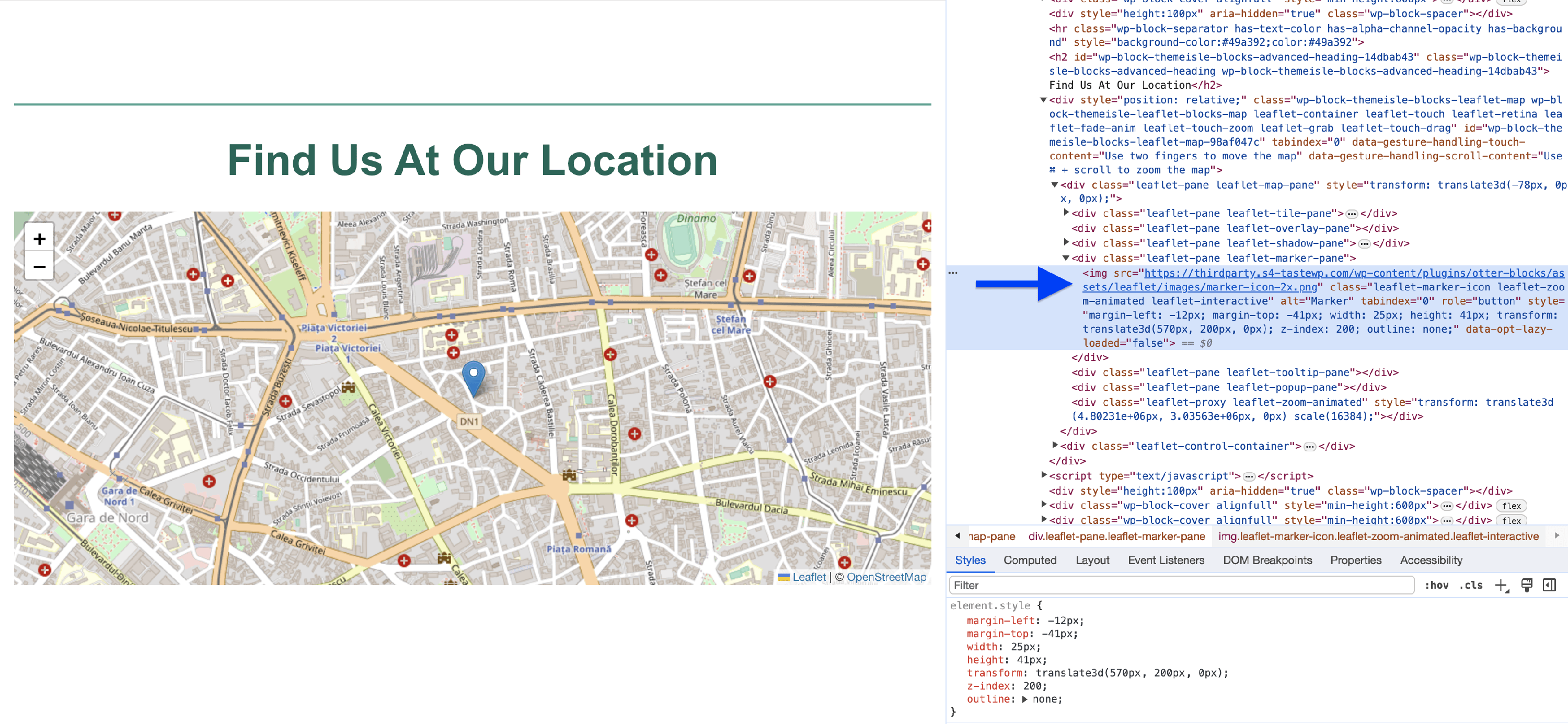
Before enabling the feature
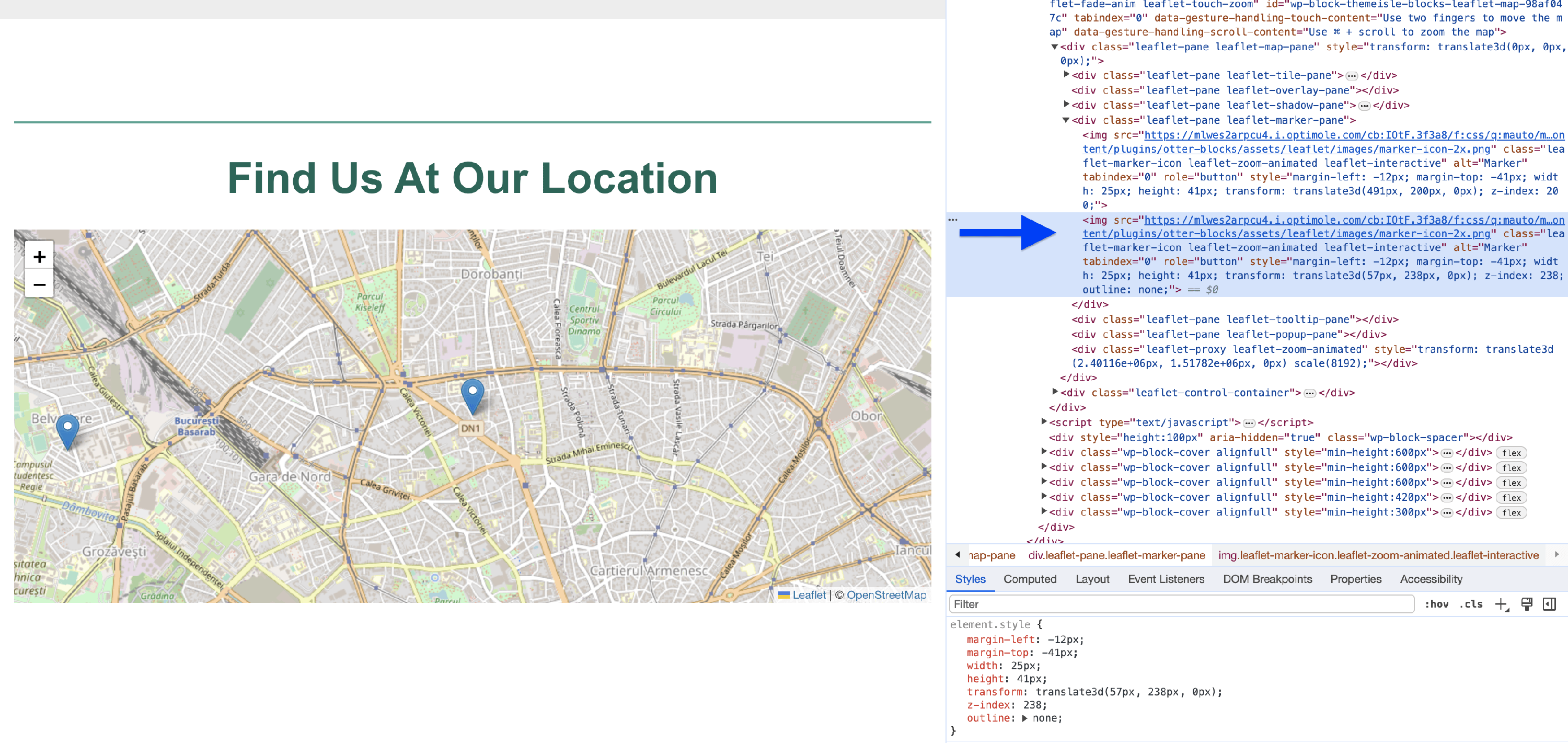
After enabling the feature
Benefits and Trade-offs
Benefits
- Speed - reduces webpage loading times, improving user satisfaction.
- Reduced server load - by delivering optimized CSS and JS files through its CDN, Optimole reduces the load on your web server.
- Image optimization - if CSS and JS files contain embedded images, Optimole optimizes these images as well.
Trade-offs
- Dependency on Optimole - relying on Optimole’s service means your website's performance is linked to its servers.
- Cache dependency - efficient use of Optimole depends on proper caching.
📝 What this feature does not change: Serving CSS and JS through Optimole's CDN is not the same as server-level compression or browser caching for your whole site.
- It does not enable or configure GZIP or Brotli compression for resources served from your own server. If a speed test flags a recommendation such as Compress components with gzip, check compression with your hosting provider — see Why is my site so slow?.
- It does not set Expires or other browser-cache headers for resources served from your own server. These headers are managed by your host, server configuration, or page-caching plugin.
- It does not combine files, so it is not a guaranteed fix for a Make fewer HTTP requests recommendation. Your site keeps the same number of CSS and JS files; they are served from the CDN instead of your server.
Use Cases
The feature can be very advantageous for multiple use cases, such as:
- Interactive maps - websites incorporating interactive maps, such as travel blogs or real estate platforms, often use marker images.
- E-learning platforms - online courses often feature interactive elements, including quizzes and educational games, which rely on CSS and JS files.
- Event websites - websites for events, conferences, or festivals frequently use interactive features like event calendars and location maps.
- Business directories - directories with maps and marker images, such as restaurant finders or job portals, rely on optimized CSS and JS files.
Related Settings
Useful Resources
You may find useful these guides:
- Google Maps JavaScript API Tutorial: Add a Custom Map to Your Website
- Best LMS Software (5 E-Learning Solutions Compared)
Still looking for an answer? Contact us!