Appearance
How to manage websites where I use Optimole
This guide covers how to manage websites where your Optimole's API key is active.
To follow the steps below, please log in to your Optimole Dashboard - dashboard.optimole.com
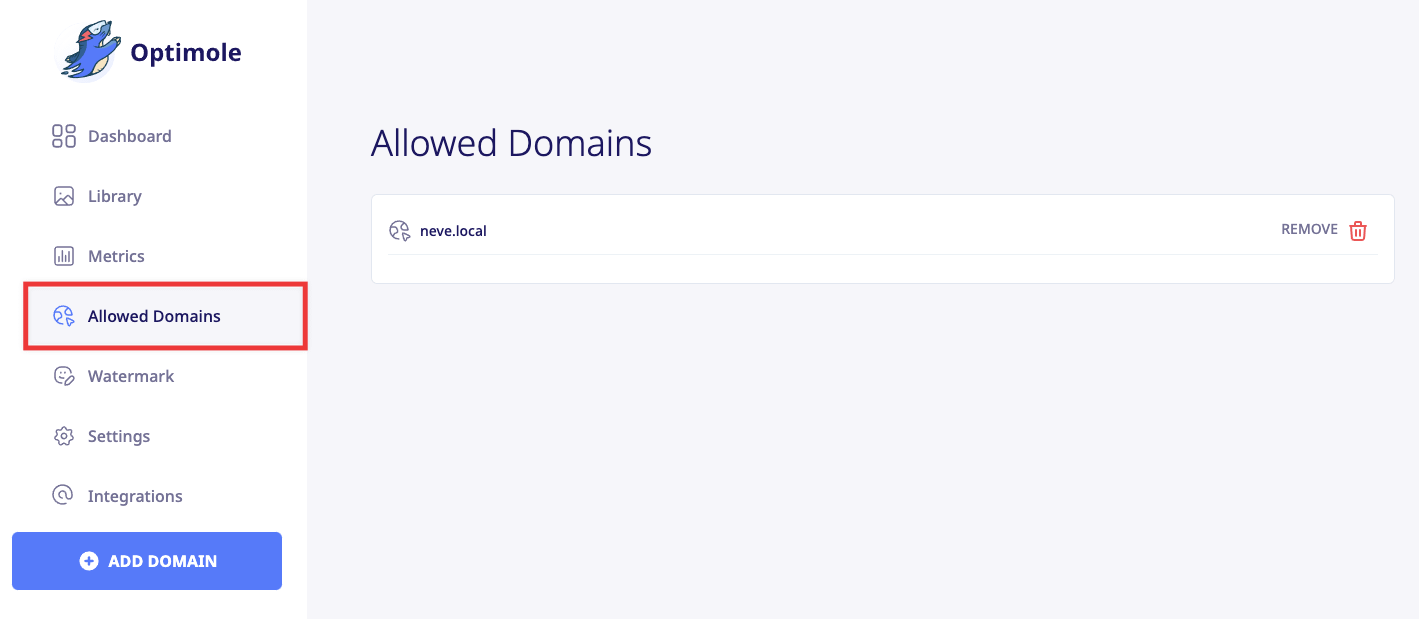
Once you access the Dashboard, navigate to the Allowed Domains tab.
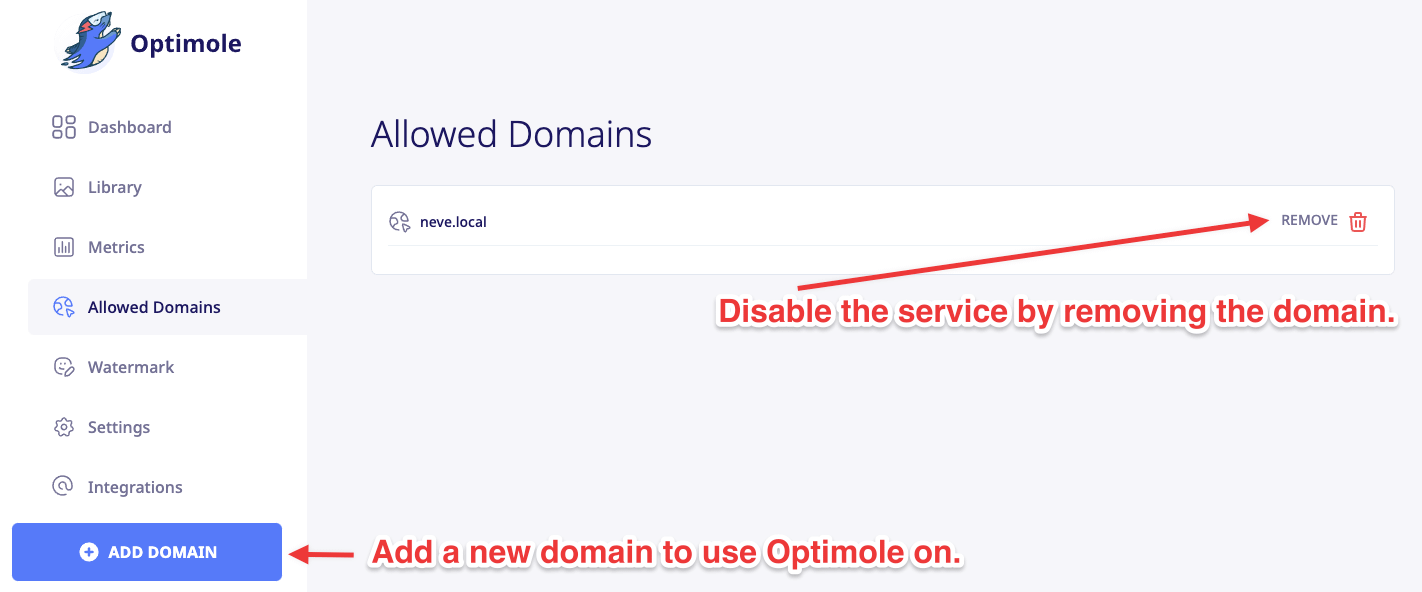
Optimole will only process images for the websites listed in this section — only these websites can use your Optimole API key and have their images optimized. From here, you can enable the service on multiple websites with the Add domain button, or disable it by removing an existing domain from the list.
🚨 Security action for unrecognized websites: If you find a website you do not recognize in Allowed Domains, remove that domain from the list if you only need to disconnect that specific website.
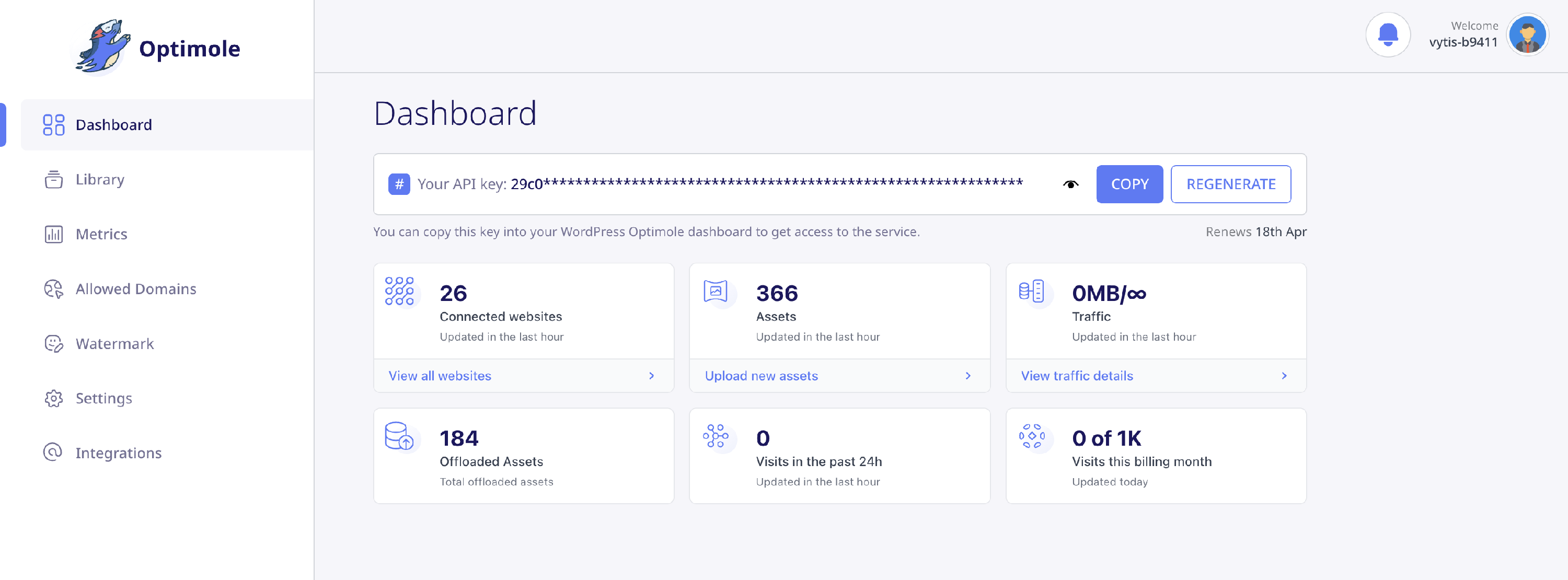
If multiple websites are unauthorized, or you think your API key may be exposed, regenerate your Optimole API key from the Dashboard control that creates a new key. This disconnects every currently connected website, including websites you own.
After regenerating the key, reconnect only your authorized websites by following How to Get Started With Optimole.
⚠️ Important: Removing a website from the list disconnects it from your account and disallows further usage — its images will no longer be served through Optimole until you add the domain again.
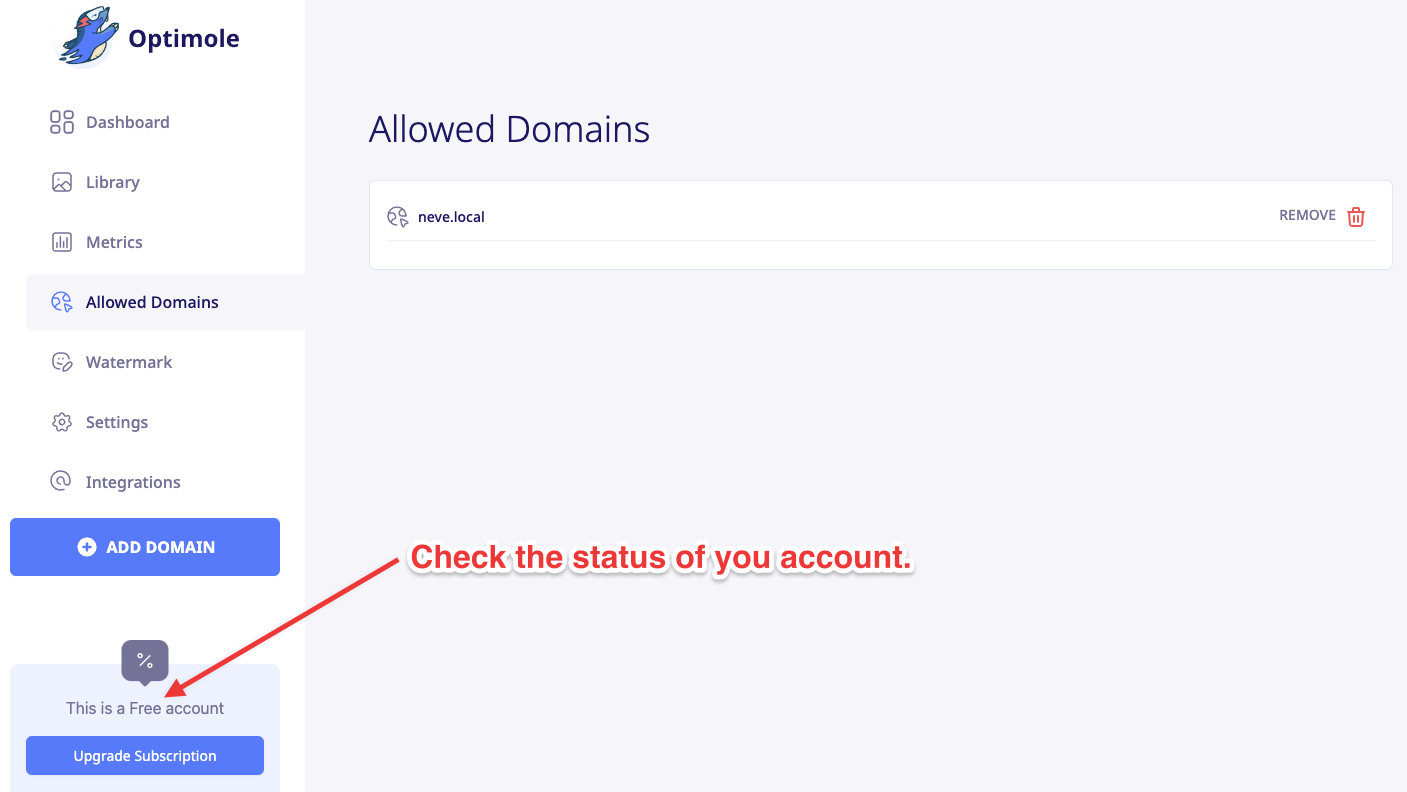
Wondering what account type are you currently using?
Just take a look at the bottom left corner of the Dashboard.