
Appearance
How Can I View My Invoice?
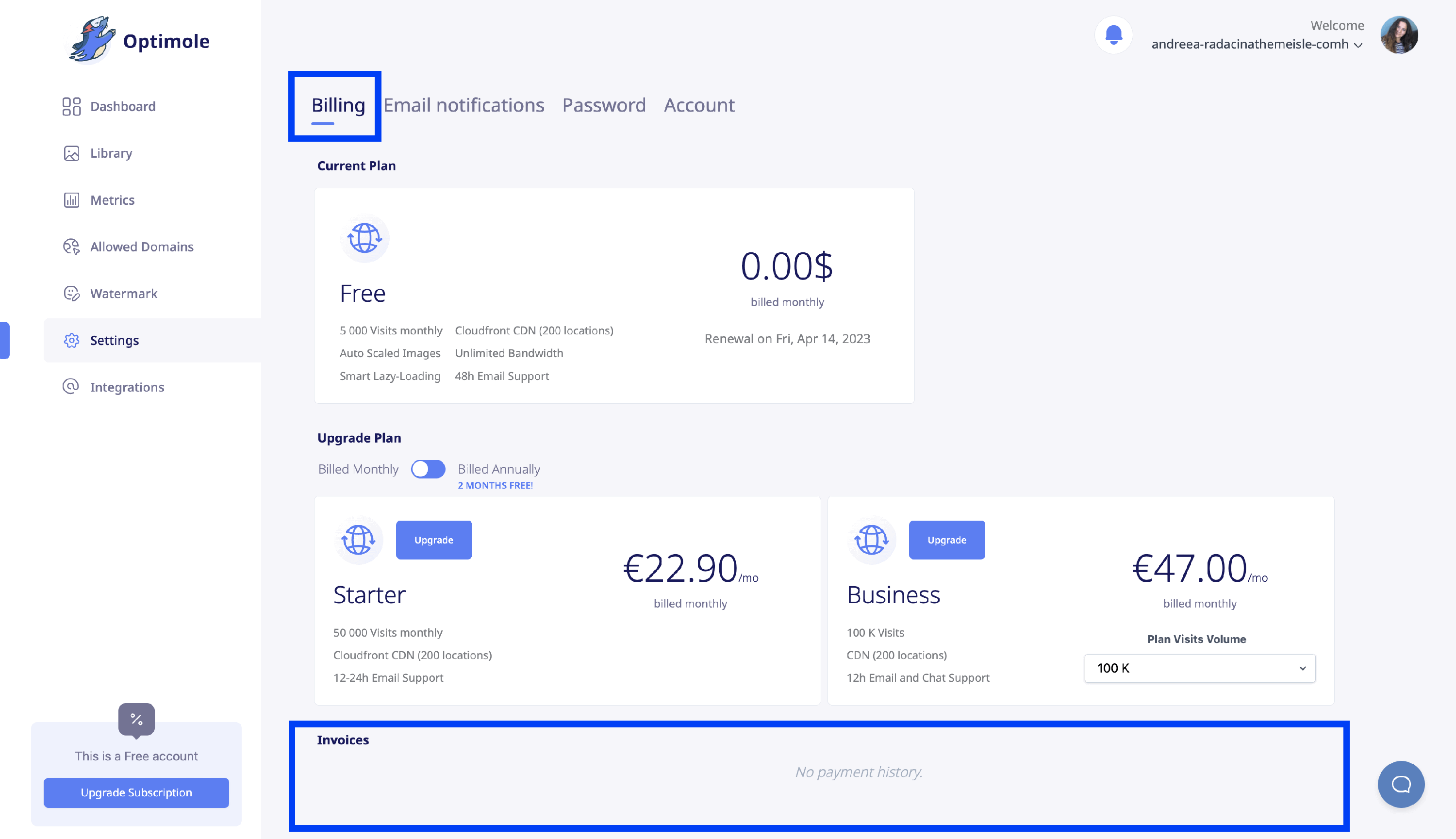
You can view and download your Optimole invoices from the Billing section of the Optimole Dashboard. Here's how.
1. Log in to your Optimole account inside the dashboard.
2. Navigate to Settings > Billing.
3. Scroll down to the Invoices area.
Can't find an invoice you expected?
If an invoice you expect is missing from the Invoices area, the most common reason is that you are signed in with a different email address than the one used to purchase the subscription. Optimole invoices are tied to the account that owns the subscription, so the Invoices area only shows invoices for the account you are currently logged into.
📝 Note: An alternative billing email only receives copies of invoices by email. Your invoice history in the dashboard always stays under the account that owns the subscription, not under an alternative billing email.
To locate a missing invoice:
1. Log out of the Optimole dashboard.
2. Log back in using the email address that was used at checkout. If you are not sure which one that is, check your inbox for billing or renewal emails from FastSpring (Optimole's payment processor), which reference your Optimole plan.
3. Open Settings > Billing again and scroll to the Invoices area.
💡 Tip: If you need to switch between accounts, open the dashboard in a private or incognito browser window to avoid staying signed in to the wrong account.
If you still cannot find the invoice after signing in with the correct email, contact Optimole support at friends@optimole.com and include the account email you are signed in with, along with the payment date and amount.