
Appearance
How to register and activate my account?
This guide walks you through the steps to create and activate your Optimole account, from registration to confirming your email and setting your password.
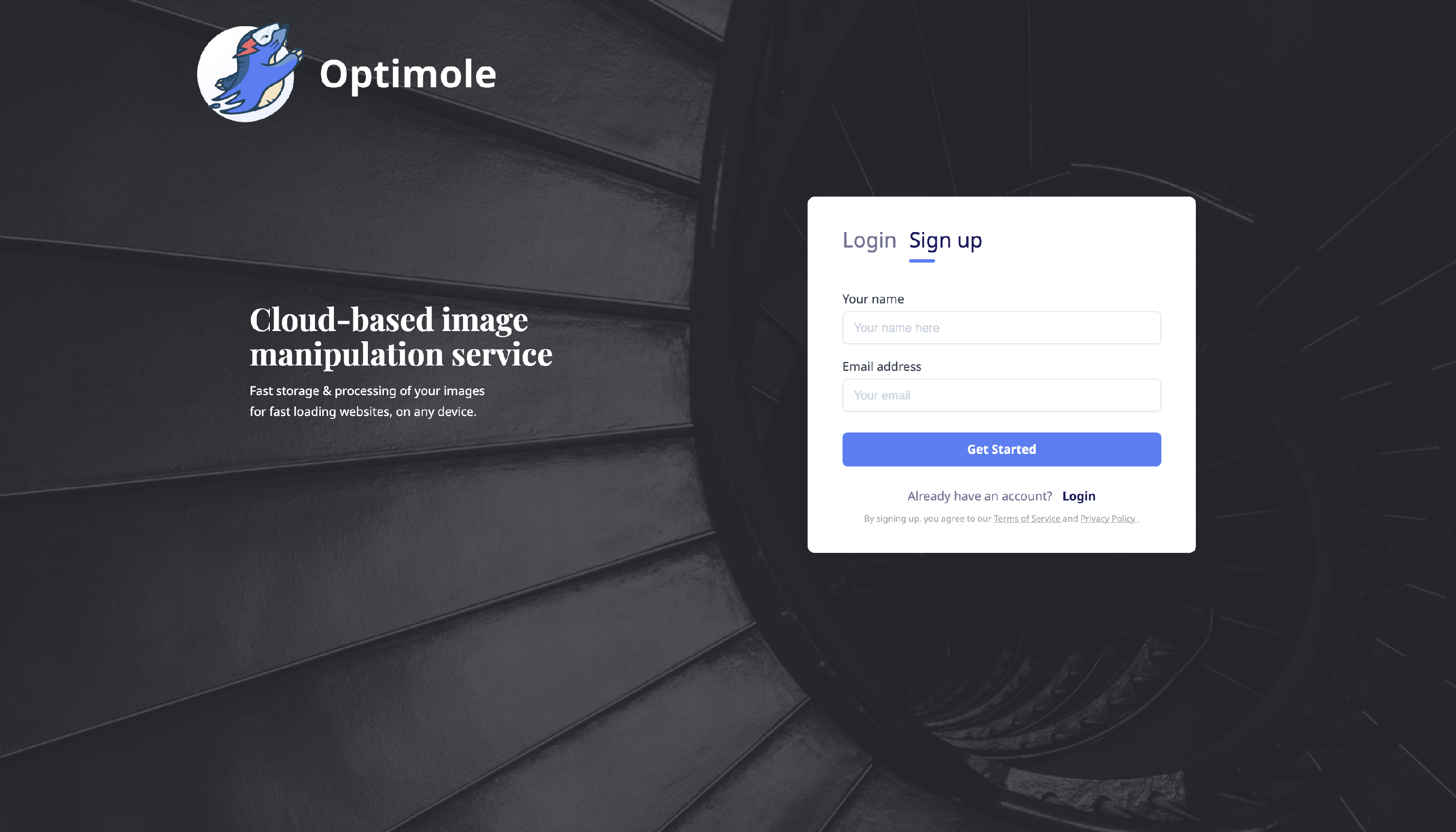
1. To register on Optimole, navigate to this page and introduce the details.
2. Once you have registered to our service, you should receive an Optimole registration email with a confirmation link as well as a default password that we have set up for your account.
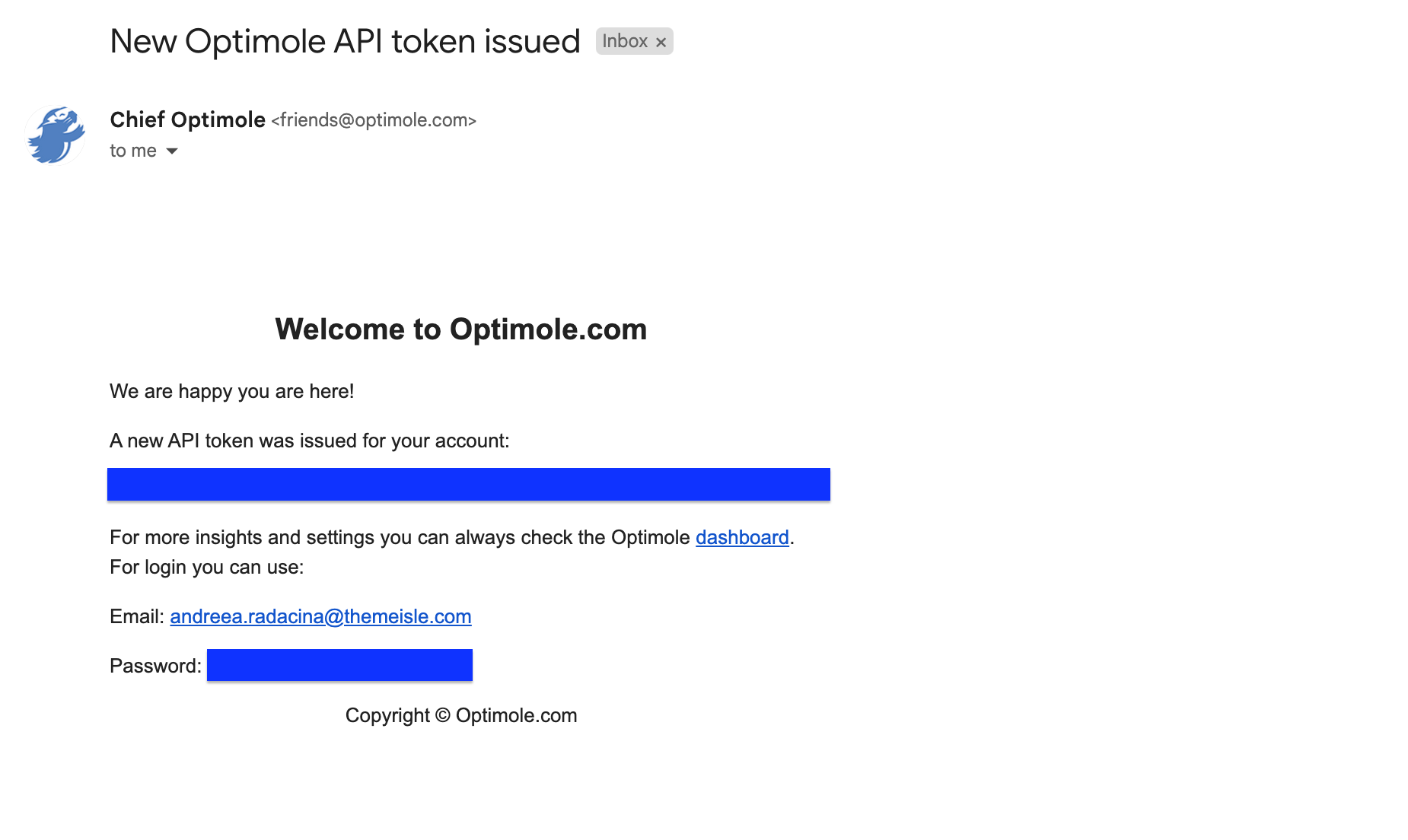
📝 Note: The Optimole registration email is sent immediately, but it can be delayed for up to 2 hours. Be sure to also check your Spam folder if you didn't receive it. An order receipt confirms your purchase, but it does not include the confirmation link or default password.
If the registration email is still missing after those checks, open the Optimole Dashboard and use Forgot password with the email address associated with your Optimole account.
If the password-reset email also does not arrive, contact Optimole support for account-access assistance. Include your Optimole account email, order or receipt details when applicable, and the connected website domain if you know it.
3. After you have confirmed your account or support has restored access, change the temporary or default password.
4. Connect the website you want to optimize. Confirming your email address activates your Optimole account, but it does not connect any website on its own. Your images are only optimized once the site is connected to the account with your API key. On a WordPress site, follow the getting started guide; on any other site, follow the custom integration steps.
📝 Note: Until a website is connected, the Optimole dashboard shows the notification "It seems you are not using Optimole yet." This is expected for a new account and clears once a site is connected.
Useful Resources
- WordPress Plugin - if you plan to use Optimole on your WordPress site, make sure to install our dedicated plugin. Here is the main documentation of the Optimole Plugin.
- How to Create a Portfolio Website With WordPress
- Imagify vs WP Smush vs ShortPixel vs Optimole: Which Is Best for Optimizing WordPress Images? Head-to-Head Comparison