
Appearance
Does Optimole optimize the third-party images?
Yes, the images from third-party domains can also be optimized and served by Optimole. You need to follow the next steps:
1. Access the Optimole Dashboard.
2. The domain where images are stored should be whitelisted under Optimole's Dashboard > Allowed Domains: 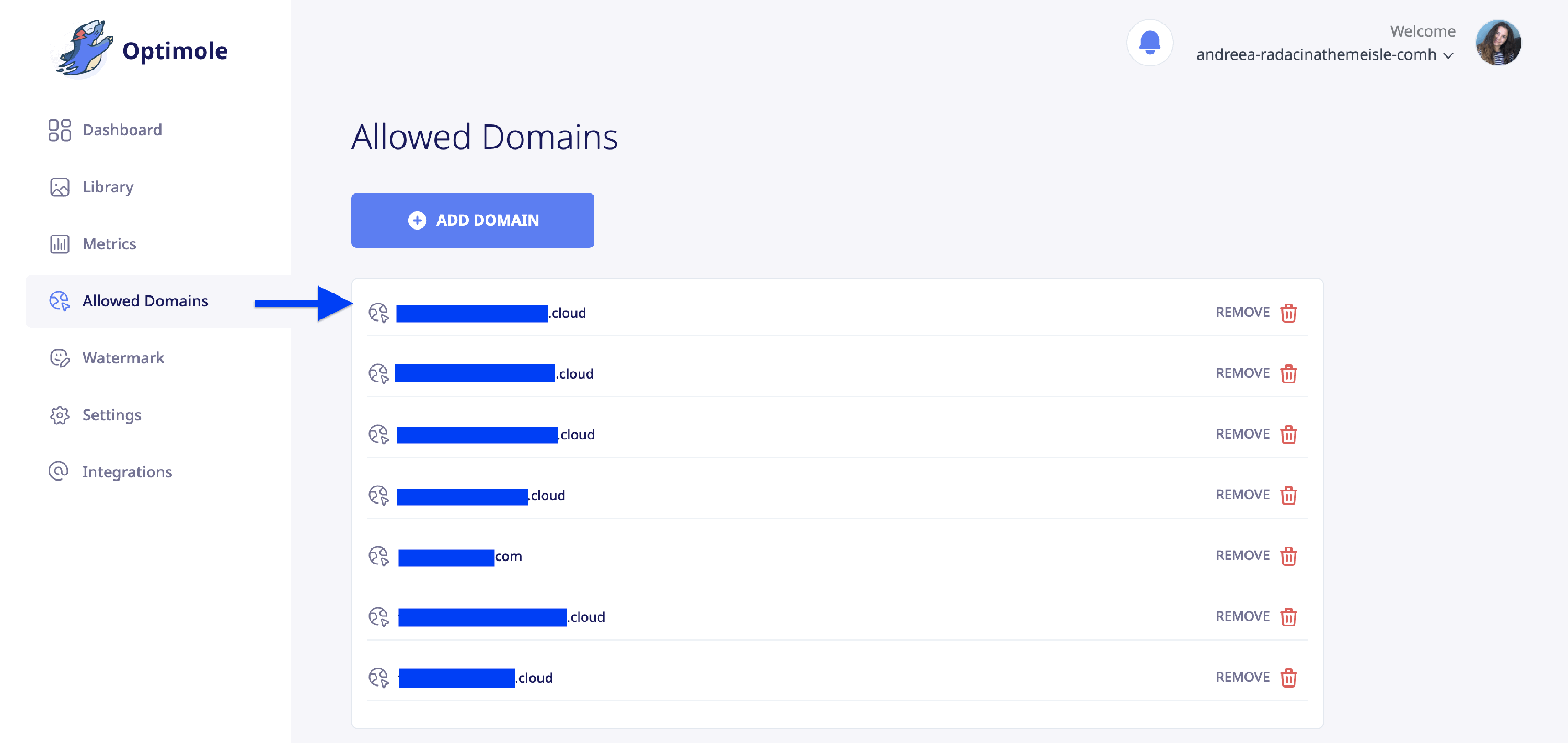
3. Go to your Optimole WordPress plugin in your WordPress Dashboard > Optimole.
4. Expand the Connected dropdown, and click on Refresh Stats:
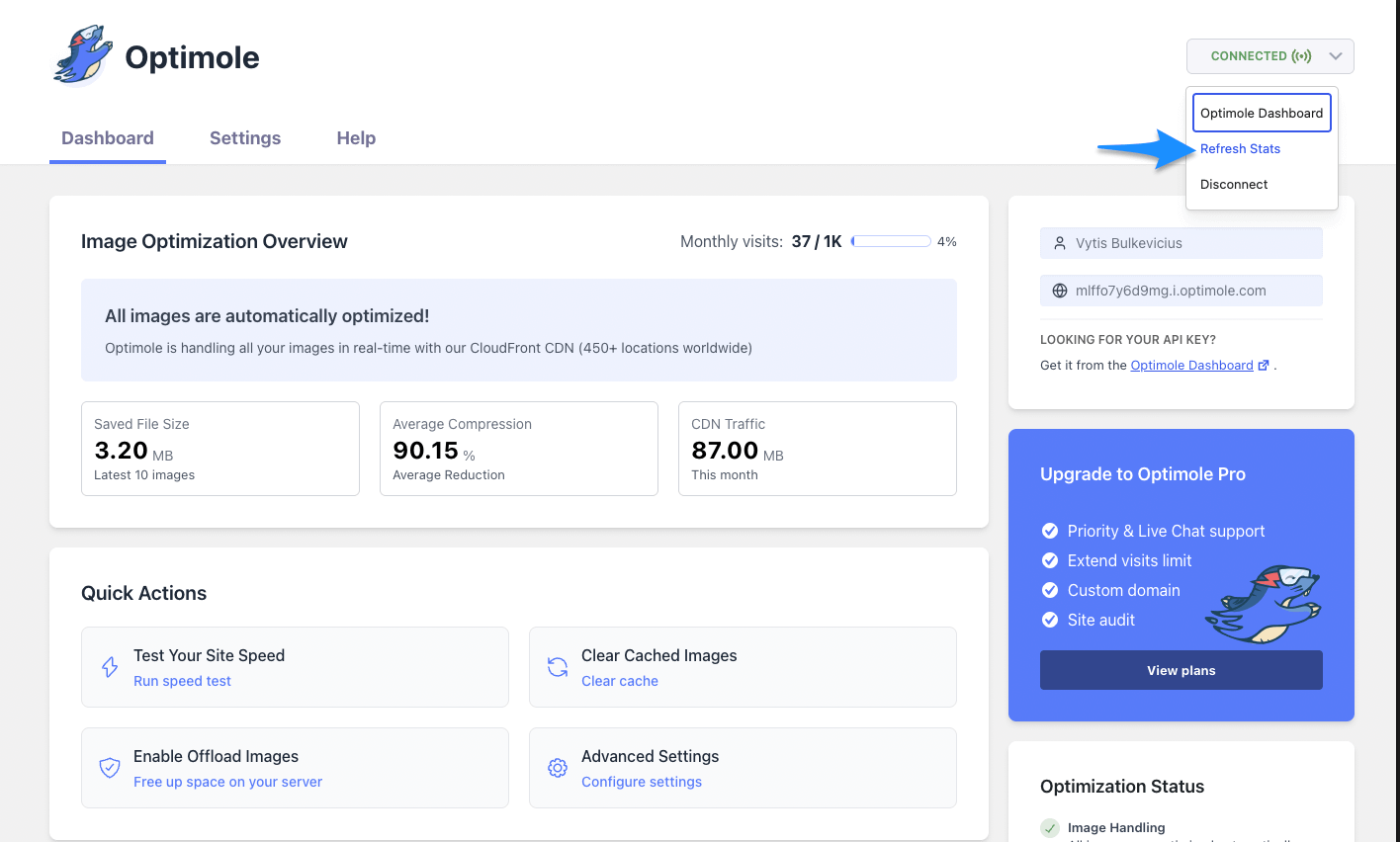
5. After this is done, give it some time, and Optimole should start serving your images.
📝 Note: Clear any caching plugin that you use. If you need more details, you can check this document.